SSD vs HDD: Is an SSD Upgrade Worth It for Your Laptop or PC?
If your computer still has a mechanical hard disk (HDD), an SSD upgrade is usually the best value improvement you can make. Here is why, and what to check first.
How they differ
A hard disk stores data on spinning platters read by a moving arm. An SSD has no moving parts and reads data from flash memory, so it reaches files far faster. That shows up as quicker startup, faster app launches and less waiting when opening files.
SATA or NVMe?
SATA SSDs use the same connection as laptop hard disks and fit most older machines. NVMe SSDs plug into an M.2 slot and are faster again, but your laptop or motherboard must support them. Check your model before you buy.
What you'll notice
- Windows starts in seconds instead of minutes
- Apps and files open much faster
- The computer stays responsive during updates
- Laptops run quieter and a little cooler
Moving your data
Your existing Windows, programs and files can be cloned to the new SSD, so you don't have to set everything up again. Back up important files first anyway.
When an SSD isn't enough
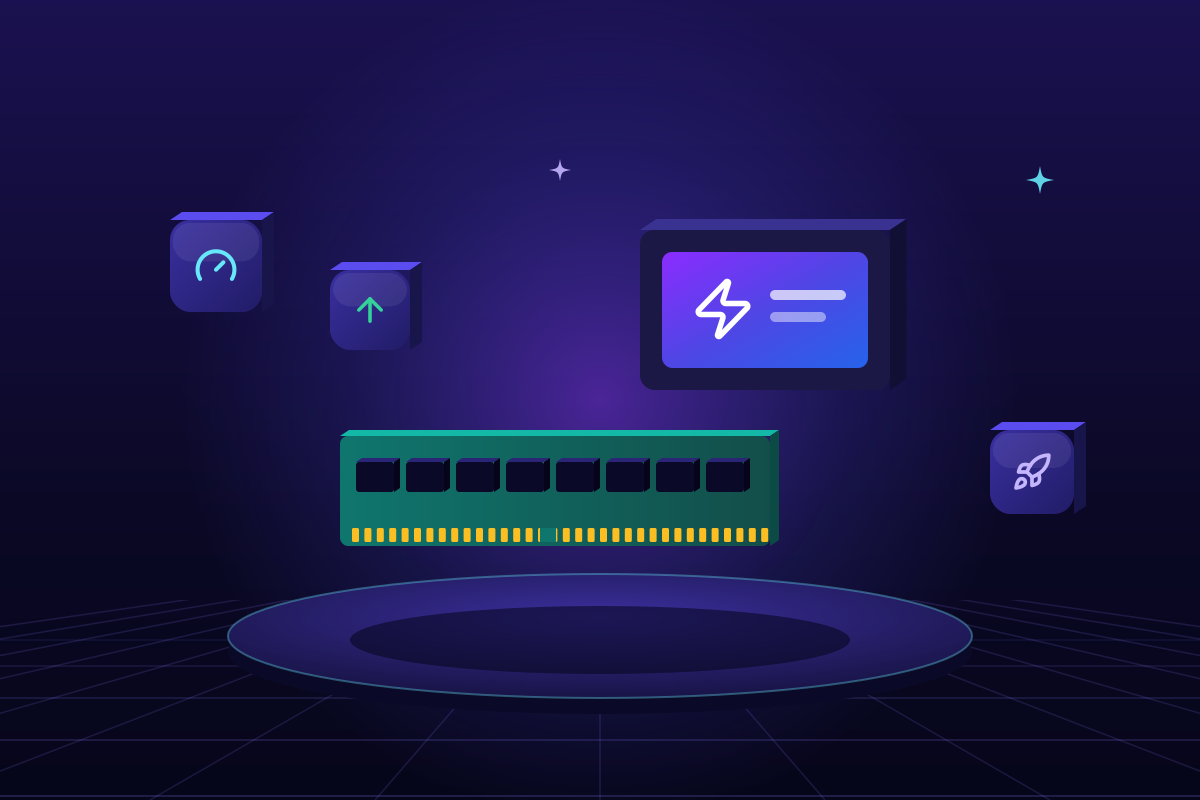
If memory is constantly full, add RAM as well. On a very old processor, an SSD still helps, but weigh the cost against a new machine.